How do I unlink UpdraftPlus from my Google Drive?
If you no longer want to use Google Drive as a way to backup your WordPress site and you want to completely revoke any permissions granted to UpdraftPlus, then this can be done by going to your Google Drive connected apps settings.
These settings inside your Google Account can be found here.
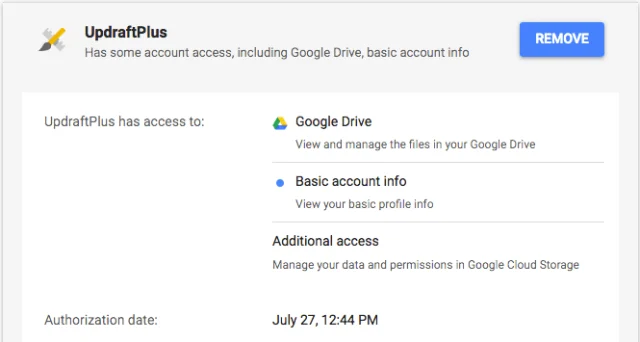
When you visit that link you should see a list of apps that have access to your account in some way. Simply locate the UpdraftPlus app, select it and press the remove button.
You can also find this link in your UpdraftPlus settings page under the Google Drive settings.
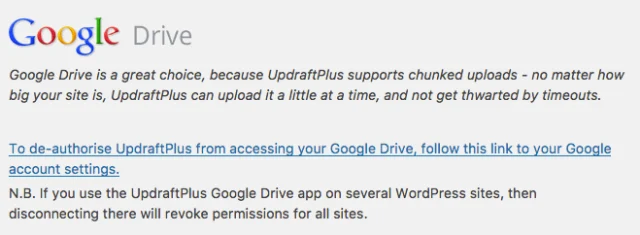
Note that by revoking access this way you will revoke access for every WordPress site connected to our UpdraftPlus Google Drive app.
If you only want to revoke access to the one site then please use the link in your UpdraftPlus settings under Google Drive “Follow this link to remove this site’s settings for Google Drive”.
