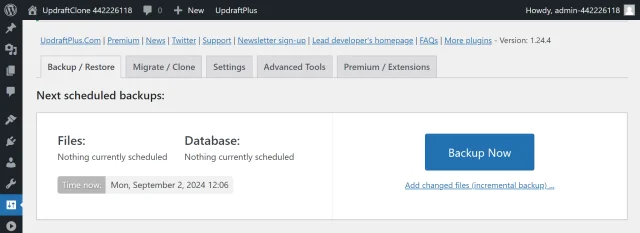
How to install the free version of UpdraftPlus
Installing the free version of UpdraftPlus is just like any other WordPress plugin and it’s very easy to do.
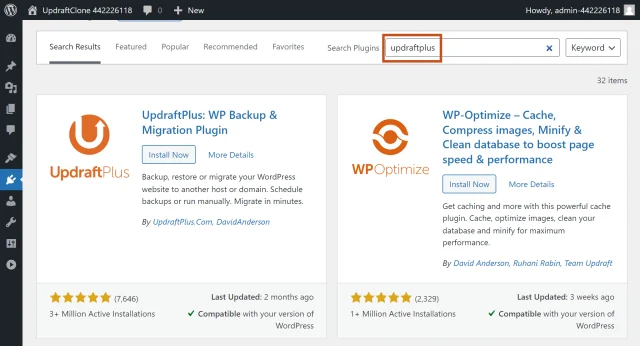
1. Search for UpdraftPlus in the plugins directory
- Log into your website
- Go to the Plugins in the WordPress dashboard menu
- Click the Add New Plugin button
- Type ‘UpdraftPlus’ into the Search Plugins text field
2. Install and activate
- Click Install Now
- Click Activate
3. Open UpdraftPlus
- Go to Settings >> UpdraftPlus Backups
From here you can explore the settings and perform your first back up.