Can’t download or restore a Google Drive backup
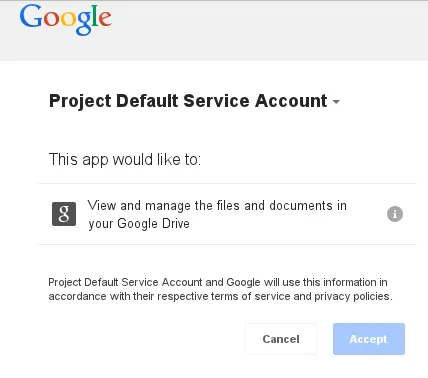
Google recently (first half of 2013) changed their permissions setup. Specifically, the permission which UpdraftPlus was using to download backups (and thence to restore them) no longer enables it to do so.
To fix this, you need to:
- Update to UpdraftPlus version 1.6.1 or later.
- Click on the link to ‘Authenticate with Google’, down in the ‘Google Drive’ settings section.

You will then be able to re-authenticate with Google, gaining the new permissions needed to download your backup files within UpdraftPlus.