How to exclude individual CSS files from minification
You can remove any of your CSS files from being merged or minified by doing the following:
- Go to WP-Optimize > Minify > CSS
- Scroll to the ‘Exclude the following CSS files from processing’ section
- Type in the name of your CSS files — one per line — that you wish to exclude:
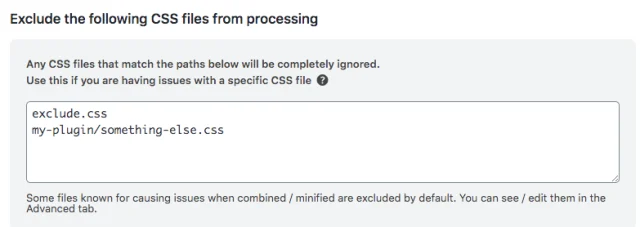
4. Click ‘Save settings’
The files you entered will now be removed from both the minification and merging process and will load as normal.