Why FTP stopped working after upgrading to UpdraftPlus Premium
Some FTP servers advertise encryption as being available – but if you try to use it, you find it is broken and times out (usually because the people operating the server have not configured their firewall correctly). UpdraftPlus Premium will use encryption if it is advertised. If you find that your FTP connections are not working after upgrading to UpdraftPlus Premium, then just turn the encryption off. (Or alternatively, get your hosting people to fix their FTP server).
To do this, open the expert settings:
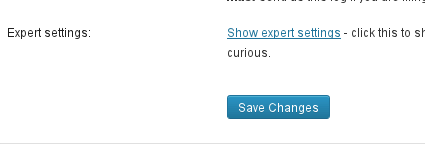
Then, check the box in order to disable SSL, and save your changes.
