How to add Dropbox to UpdraftPlus
Add your personal DropBox account to your UpdraftPlus settings as a remote storage location by following the below video.
How to add DropBox to your UpdraftPlus account settings
In this guide we’ll show you how to connect your Dropbox account to UpdraftPlus and save your backups to it.
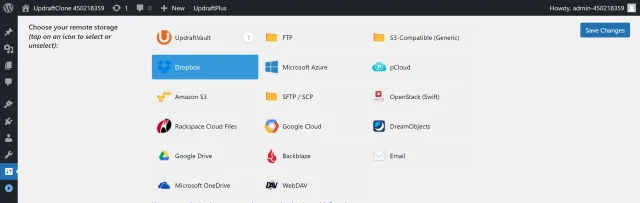
1. Select Dropbox
- Log into your website.
- Navigate UpdraftPlus >> Settings tab.
- Click the Dropbox icon.
- Click the Save Changes button.
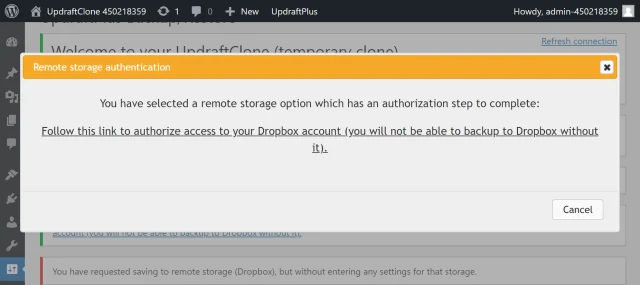
2. Authorise your Dropbox account
Click the link to start the authentication process.
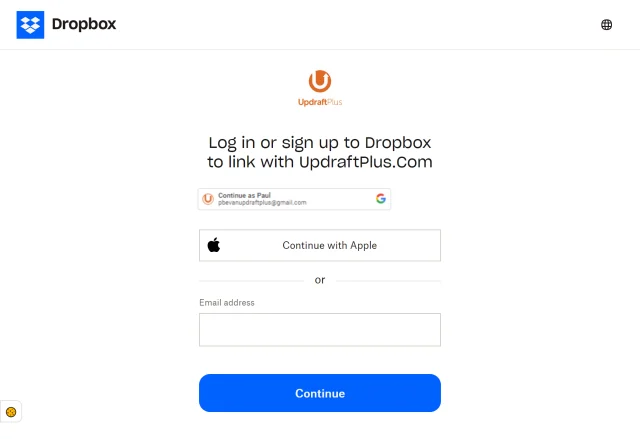
3. Link your account
Log in to link your account UpdraftPlus.
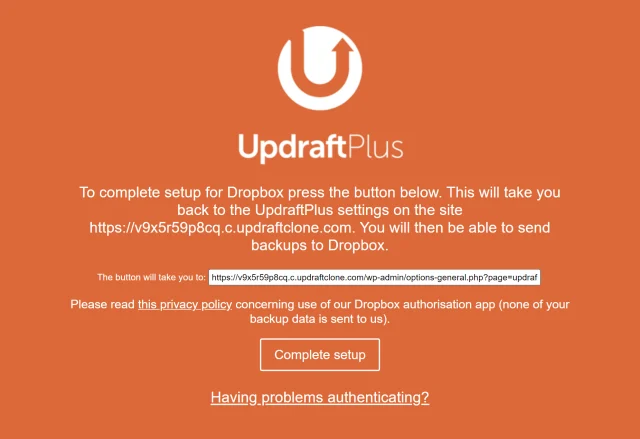
4. Complete setup
Click Complete setup.
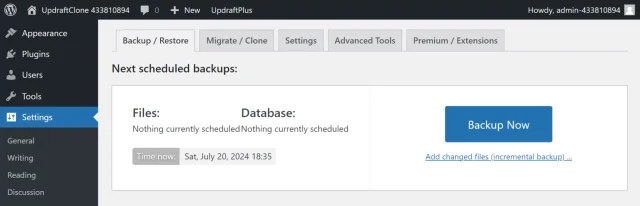
5. Create a test backup
Click Backup Now on the UpdraftPlus >> Backup / Restore tab.
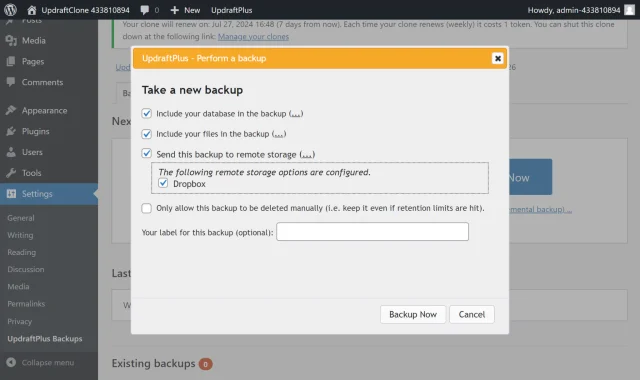
6. Start the back up process
- Check the options for Send this backup to remote storage and Dropbox.
- Click Backup Now.
7. That’s it
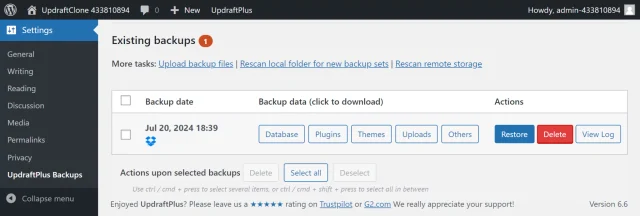
Your backup is secured on Dropbox and is accessible from UpdraftPlus >> Backup / Restore >> Existing backups.